4 n8n Workflow Templates for PDF Generation
· 11 min read

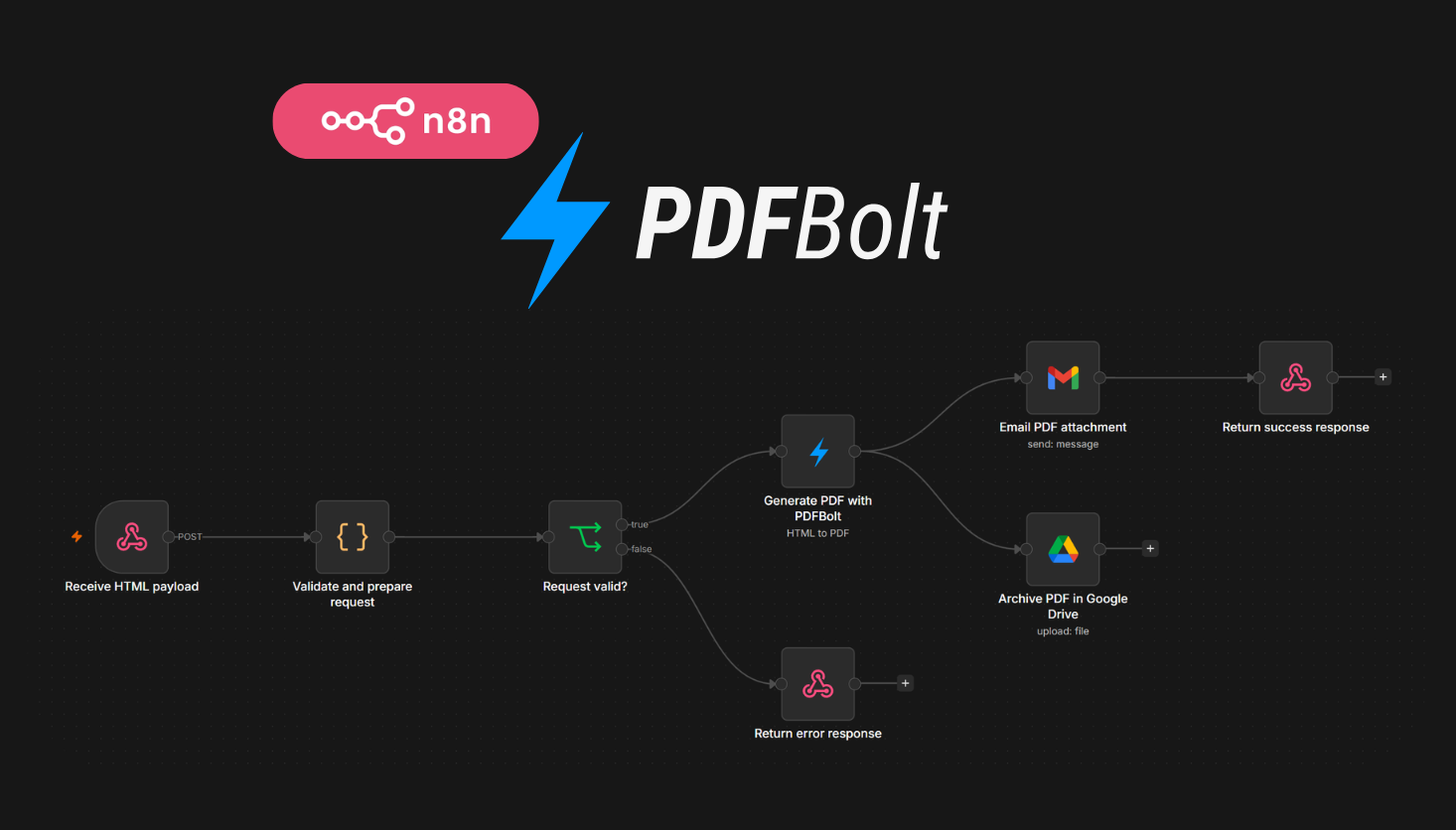
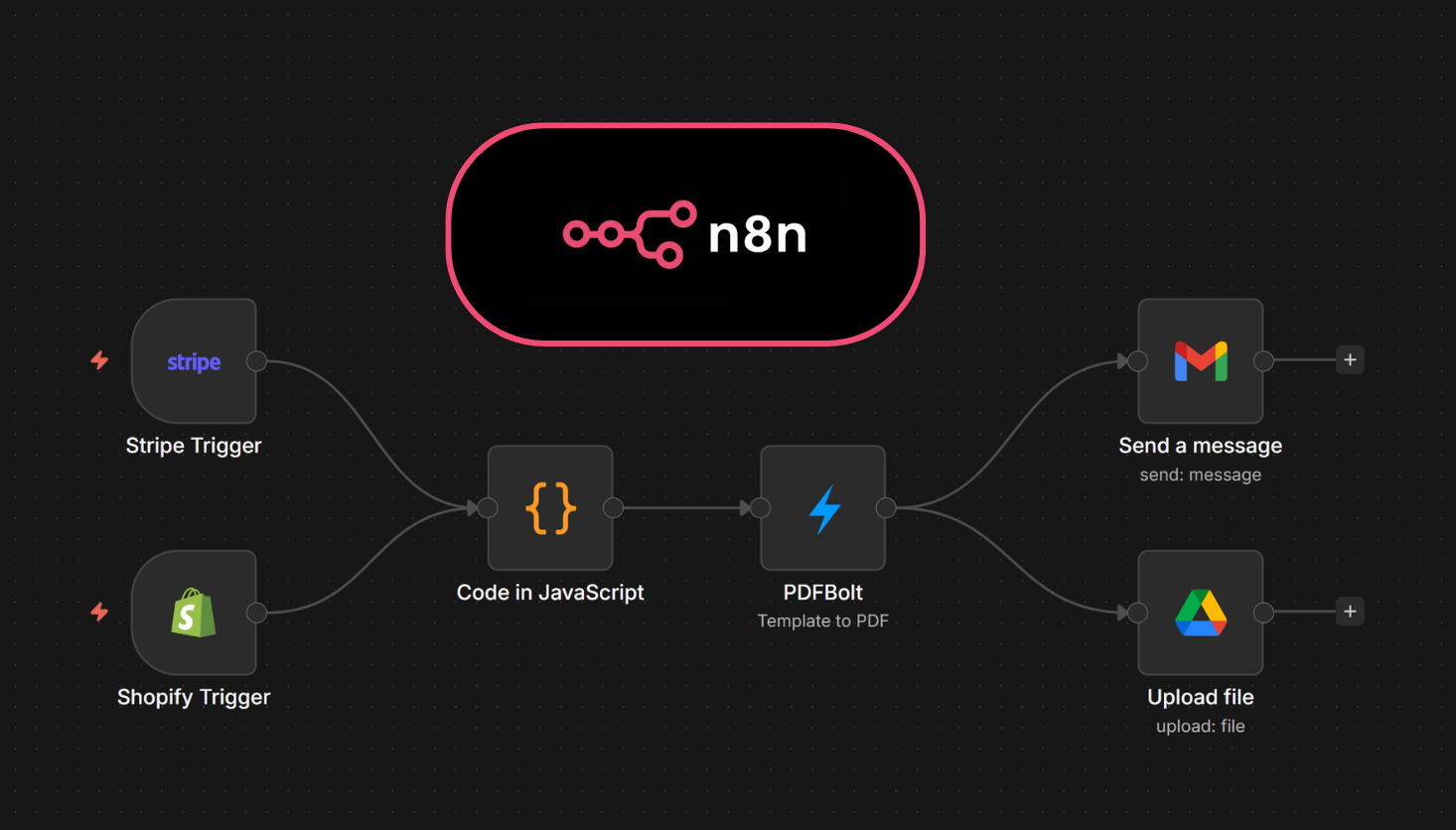
If you need n8n PDF generation, starting from a blank workflow takes longer than it should. The shape is usually the same: receive data, map it, generate a PDF, then send or return the file.
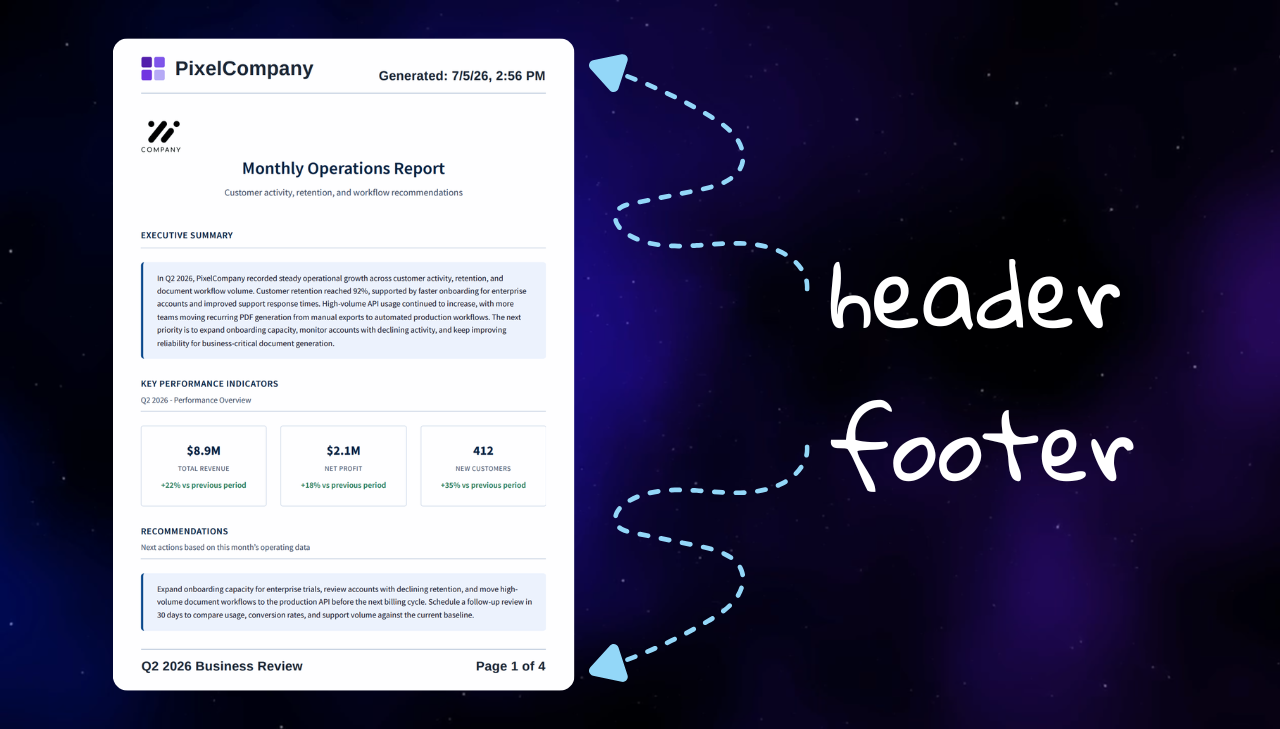
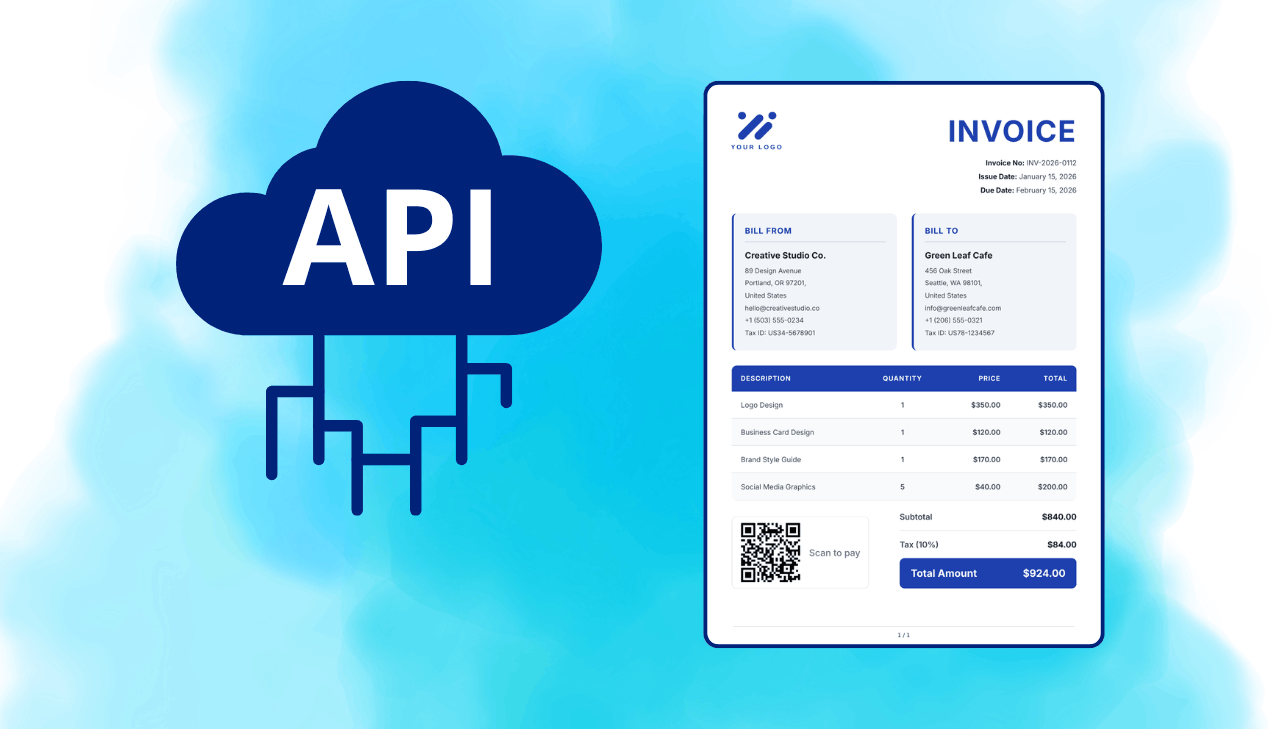
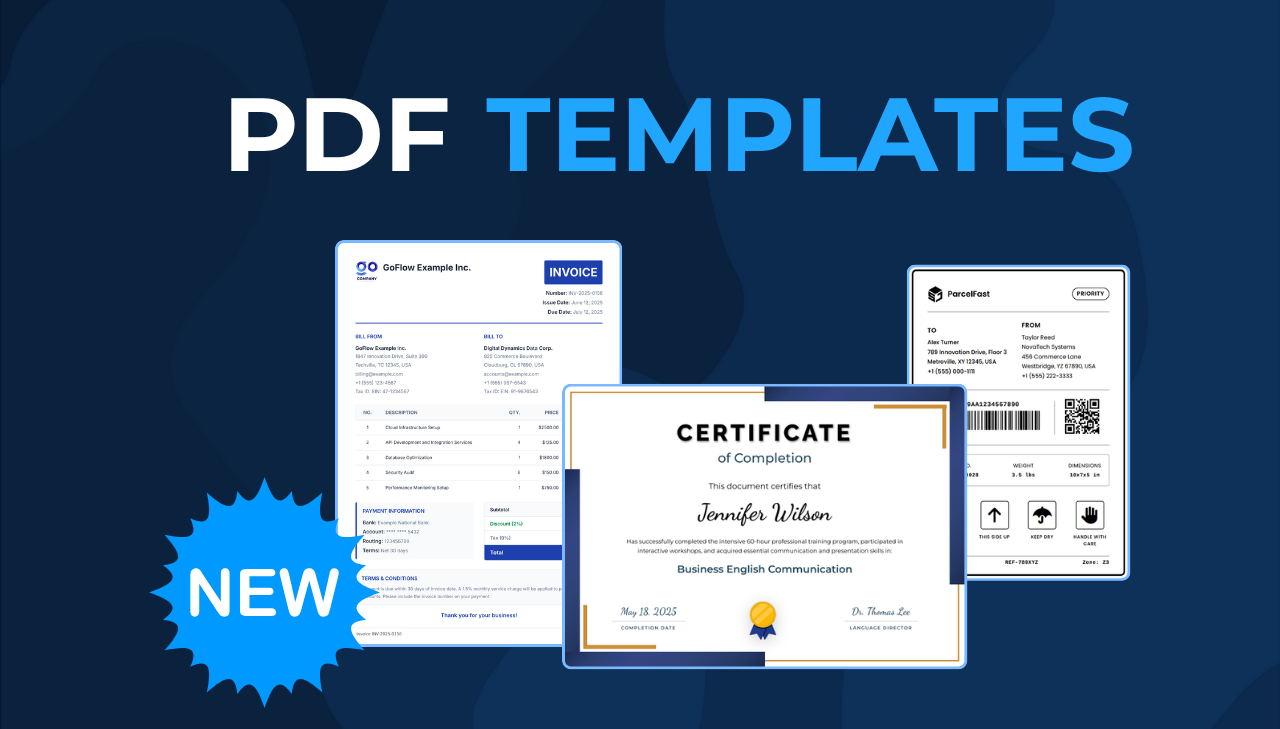
PDFBolt's verified n8n community node handles the PDF step inside n8n. It generates PDFs from templates, HTML, or live webpages without running your own browser service. This article walks through four importable n8n PDF workflow templates for template-based documents, HTML-based PDF delivery, Stripe invoice emails, and scheduled webpage reports.
You can import the workflows directly into n8n, or use them as examples when building your own PDF automation.